Google Analytics — Nos ayuda a comprender cómo se utiliza el sitio web y a mejorarlo. Los datos pueden transferirse a Google LLC (EE. UU.).
Marketing
No hay servicios de terceros configurados en esta categoría.
Preferencias
Google Fonts — Carga fuentes desde los servidores de Google. Tu dirección IP se transmite a Google LLC (EE. UU.). Sin tu consentimiento, usamos fuentes del sistema.
Tu privacidad
Utilizamos cookies necesarias para el funcionamiento del sitio y cookies opcionales para analizar su uso. Puedes aceptarlas, rechazarlas o elegir tus preferencias. Consulta nuestra política de privacidad.
Agencia Inmobiliaria Dar Tanger
La agencia inmobiliaria N°1 en Tanger
Dar Tanger es la página de inmuebles en Tanger N°1. Apartamentos, villas, alquileres, terrenos, casas en venta y mucho más.
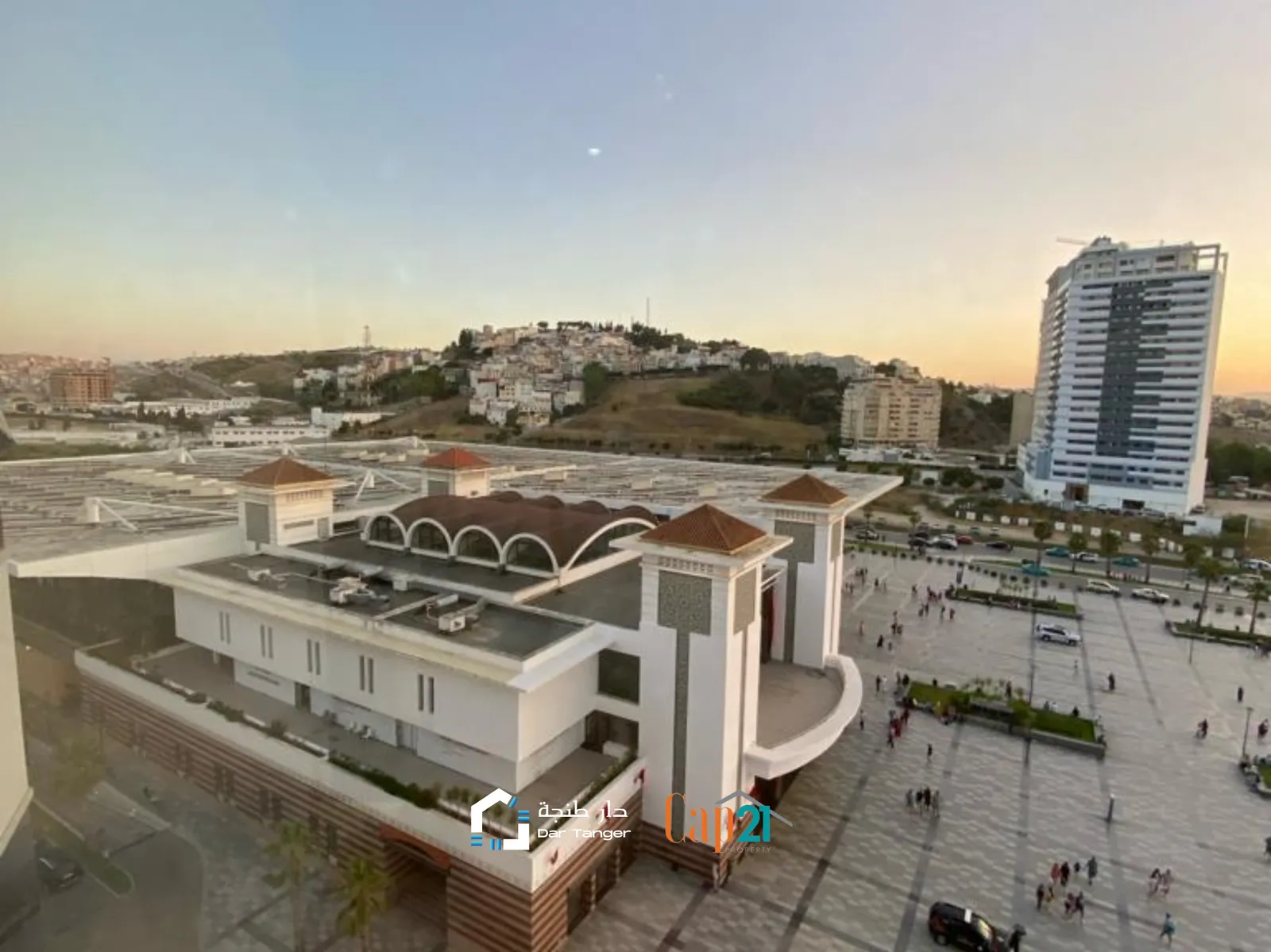
Este apartamento esta situado con vistas a la estacion de tren Centre Ville de Tanger, cerca del hotel Hilton y a 5 minutos andando de la playa. Este apartamento se alquila por noche a 14000 MAD pero se pueden negociar el precio en estancias más largas. El piso tiene 3 habitaciones y 2 baños, una sala de estar con vistas unicas a la estacion y comedor, al igual que una cocina bastante grande. Este apartamento está disponible y nos puedes contactar para alquilarlo en cualquier momento. Esperemos que os guste! Información: vacacional, amueblado, ascensor, cocina equipada, seguridad, playa. Referencia: 25349
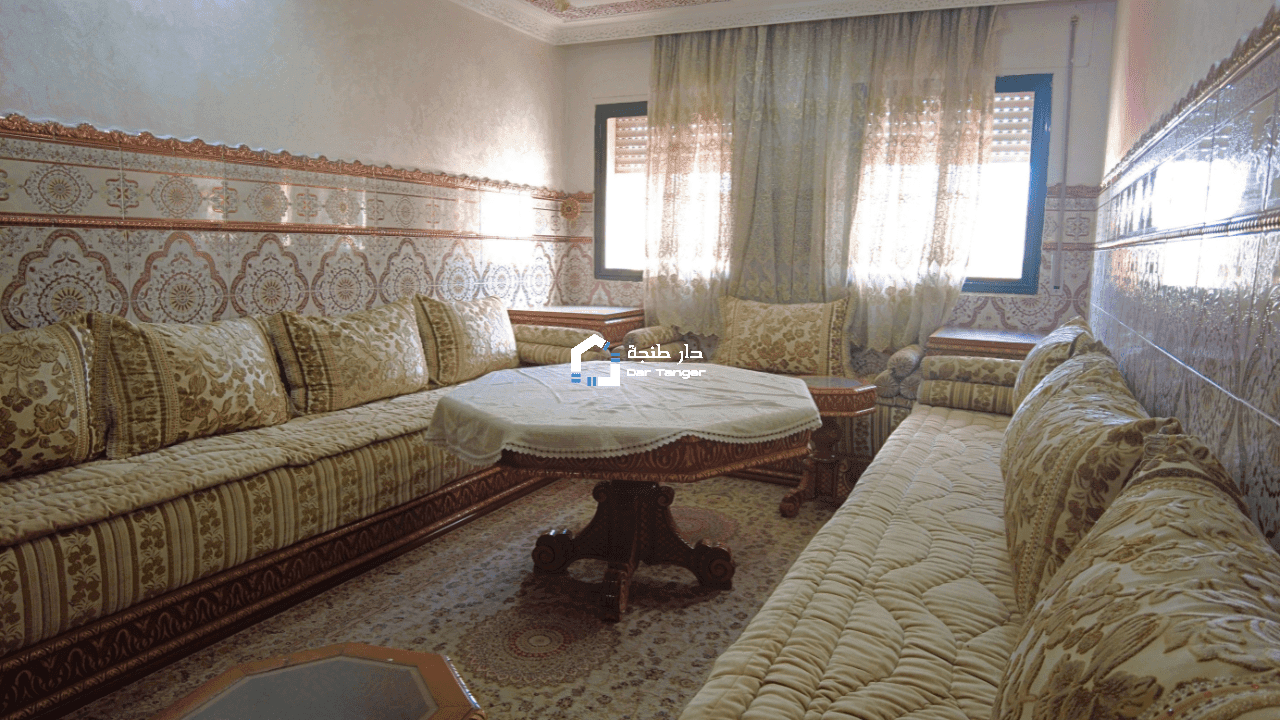
Se alquila un piso maravilloso en Tanger, El Majd. El piso dispone de 2 habitaciones y 2 salones distribuidos en 90m², con una terraza amplia con vistas a la calle principal, una cocina amplia y un baño. Se encuentra en una 4a planta sin ascensor. El piso esta disponible para alquileres a largo y corto plazo. Contáctanos para más información sobre este estupendo piso Información: alquiler, amueblado, cocina equipada, terraza. Referencia: 68053
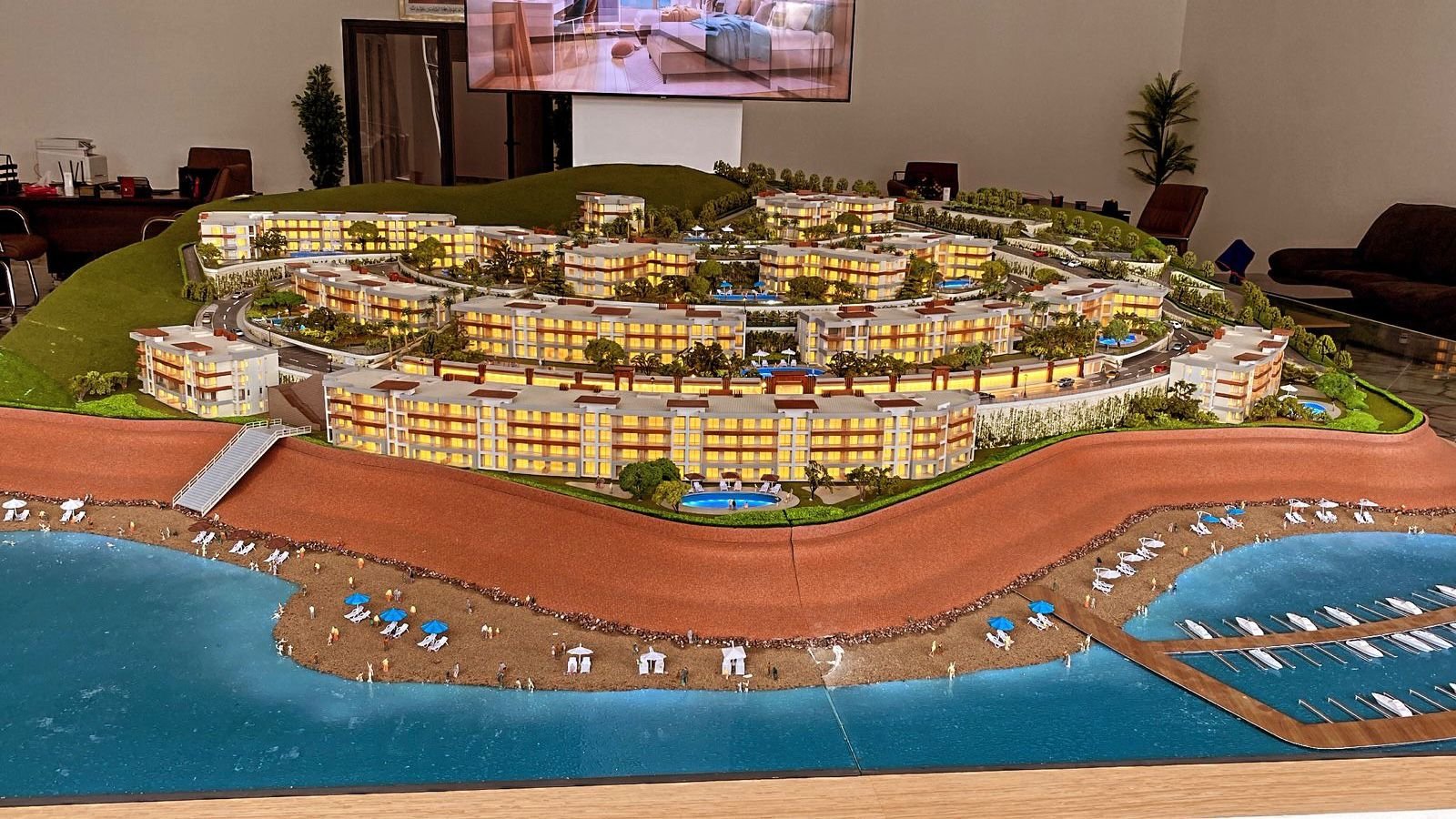
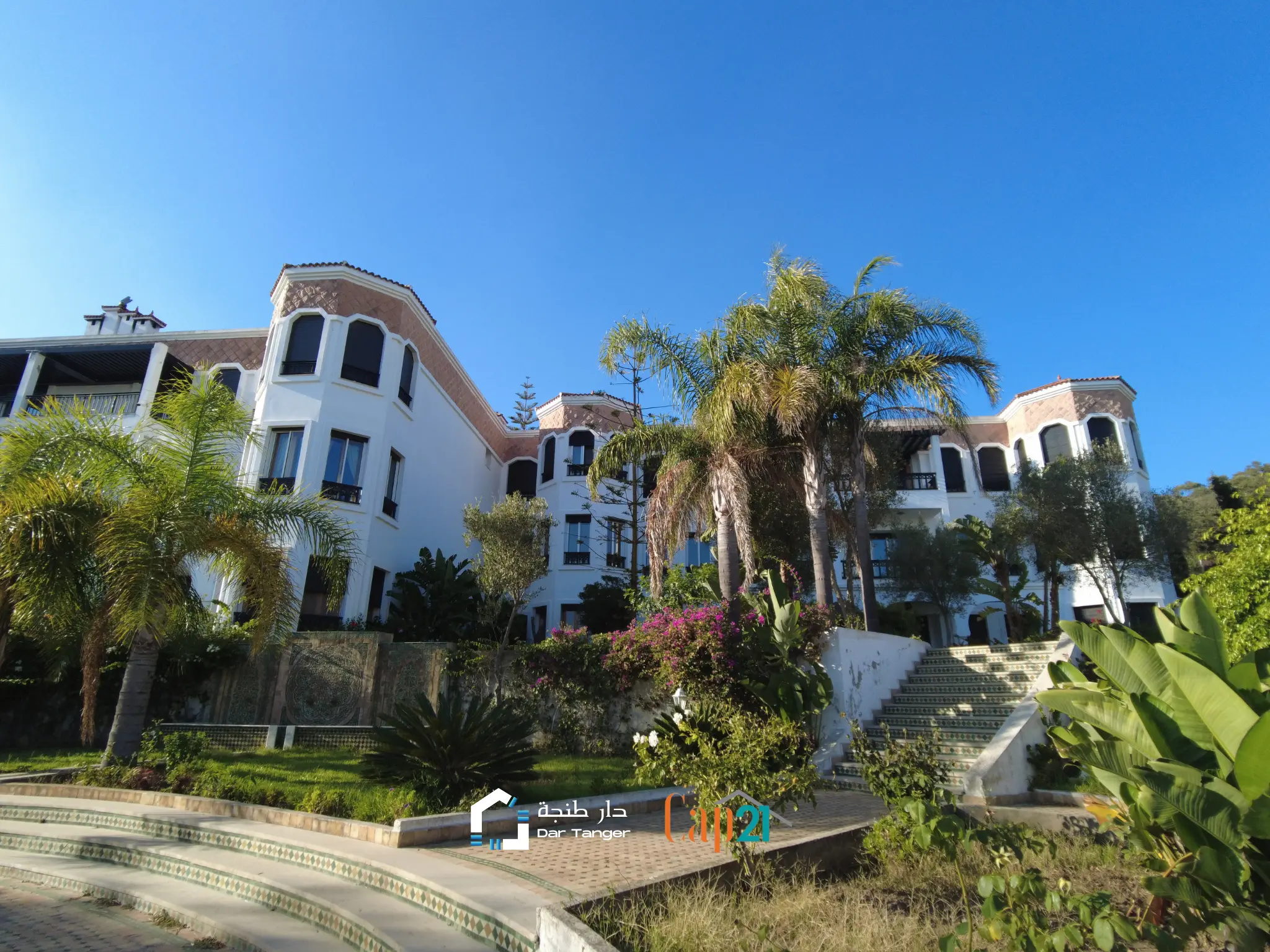
Este nuevo proyecto ya a empezado la construcción. Está ubicado en Mnar, en un nuevo terreno cercano a la orilla del mar, pasando por una calle cercana al café Andalous, un café conocido en Tanger. Estos apartamentos tendrán vistas panorámicas al mar, piscinas, gimnasios, espacios verdes y más. Este proyecto sin duda destaca por su tamaño ya que se están construyendo 15 edificios de 3 plantas y 13 piscinas. Si buscas algo lujoso, único, prestigioso y asombroso, este proyecto es para ti. Con vistas directas al mar y piscinas privadas, estos pisos pueden ser perfectos para unas vacaciones de verano. Información: venta, cocina equipada, garaje, piscina, seguridad, terraza, vista al mar, mnar. Referencia: 27482
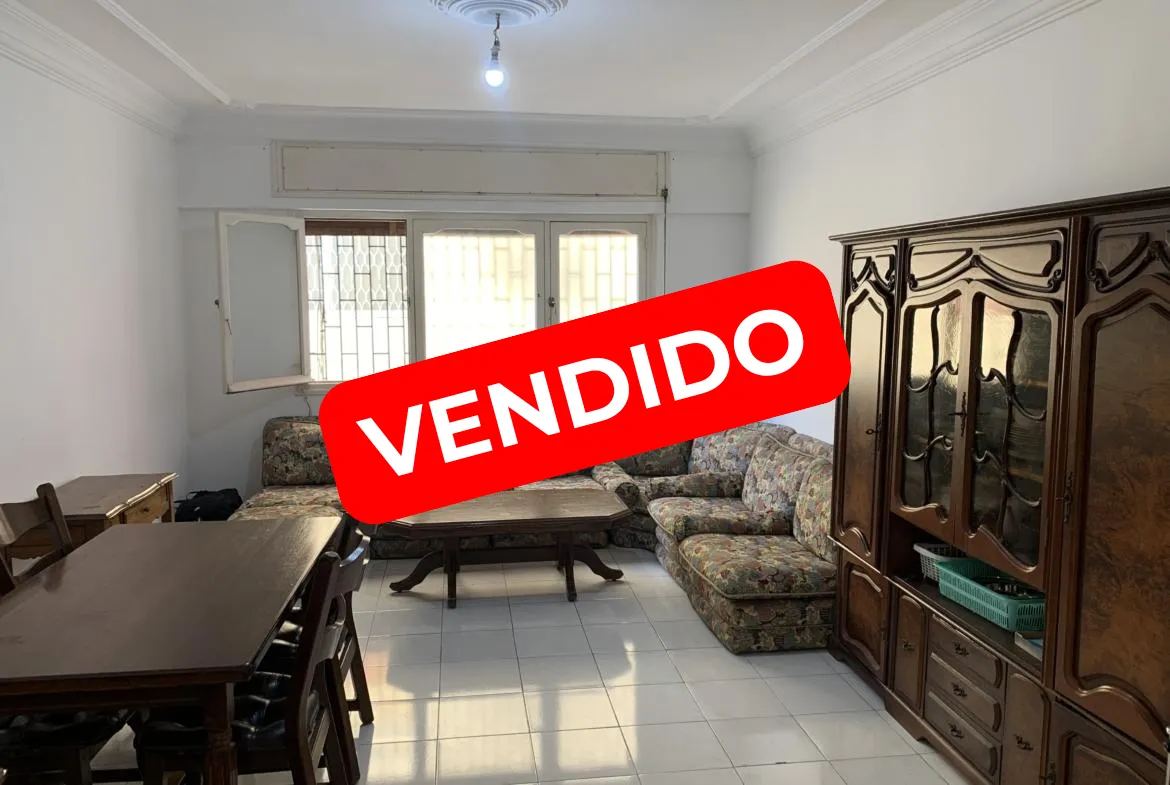
Apartamento en venta en el centro de Tánger de 2 habitaciones + salón + cocina + baño. Este apartamento cuenta con 92 m2 y el precio es de 1,250,000 dírhams. Si queréis obtener más información enviarme un mensaje +212709928118 (WhatsApp) #realestate #realtor #homesforsale #justlisted #realestateinvesting #dreamhome #househunting #property #realestatetips #firsttimehomebuyer #realestatelife #luxuryrealestate #yourcityrealestate #openhouse Información: venta, amueblado, ascensor, cocina equipada, seguridad, terraza, dar tanger, vendido, centro. Referencia: DAR-69391
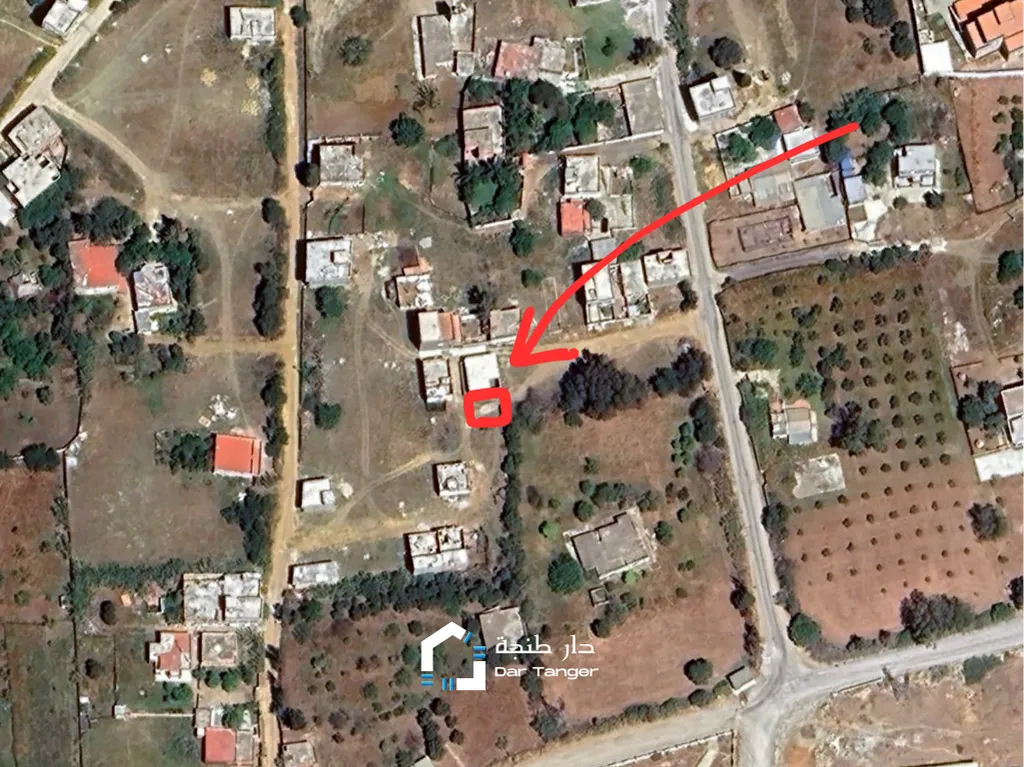
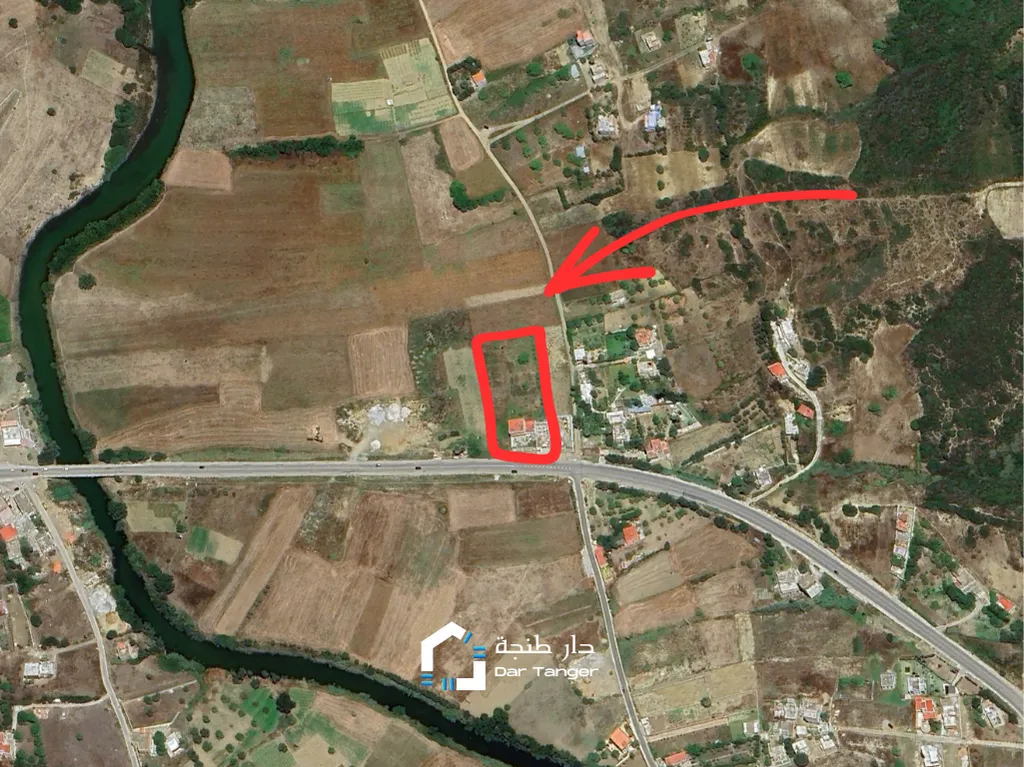
Este terreno es amplio y está ubicado en una ruta muy transitada que conecta Tanger con Tanger-MED. Una villa a construida en el terreno a orillas de la carretera. La terreno se vende con la villa incluida. Información: venta, oued alian. Referencia: 29529
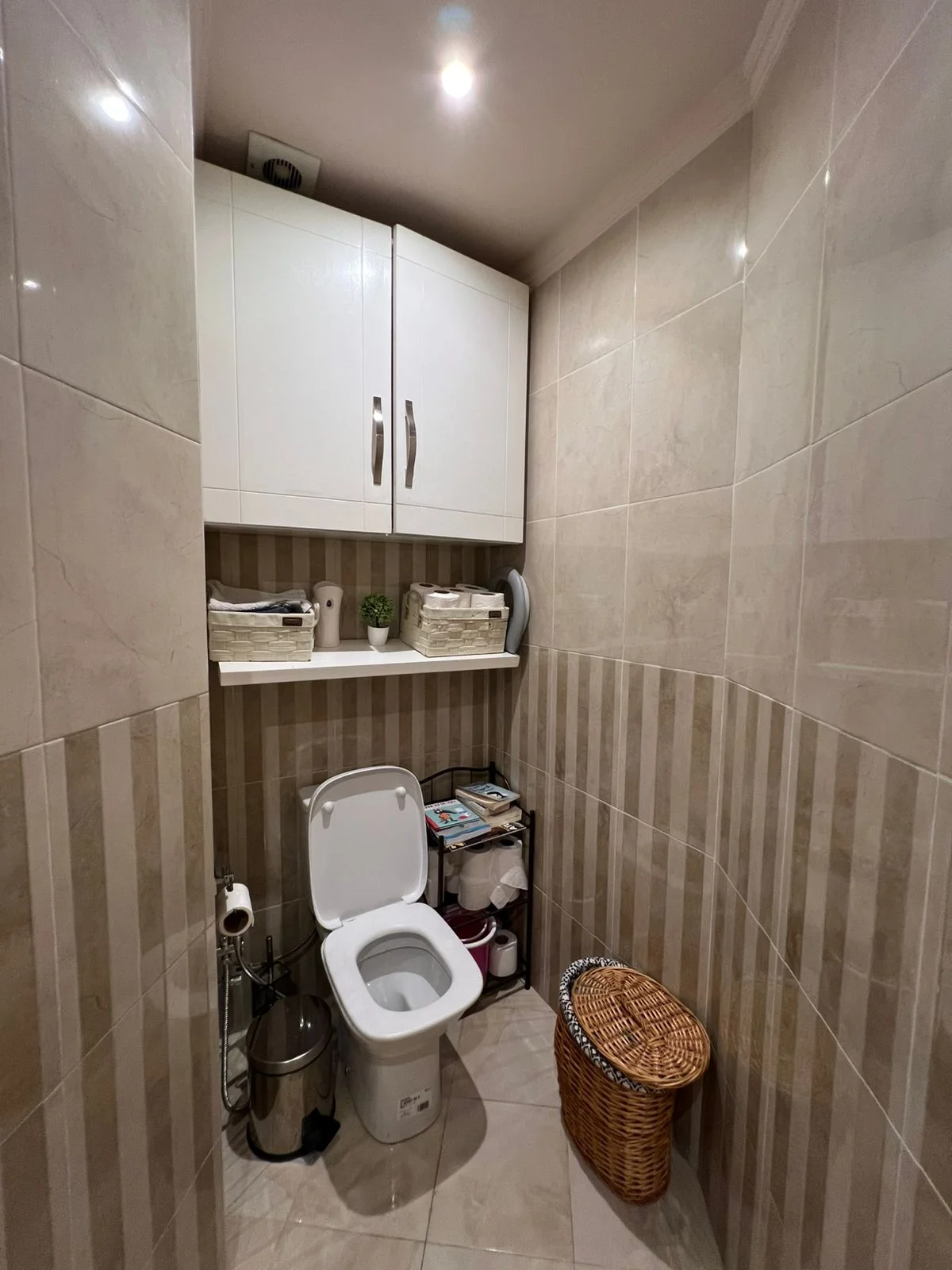
Situado en el séptimo piso, este espacioso apartamento de 120 m² (+ 32 m² terraza) ofrece un ambiente de vida agradable y moderno en una popular zona administrativa. El apartamento consta de: Una sala de estar grande y luminosa que da a una cocina americana, perfecta para momentos de convivencia Tres cómodas habitaciones, ideales para una familia o para un espacio de trabajo Un baño bien equipado Un baño de servicio para mayor practicidad Una terraza con pérgola, que ofrece un agradable espacio al aire libre para relajarse o recibir a los huéspedes Características adicionales: Aire acondicionado centralizado para un confort óptimo durante todo el año 2 ascensores para facilitar el acceso al apartamento Estacionamiento compartido para estacionamiento seguro Fachada exterior moderna Una excelente oportunidad en una zona muy solicitada, cerca de todos los servicios. Para más información envíanos un mensaje! Información: venta, amueblado, ascensor, cocina equipada, garaje, seguridad, terraza, centro. Referencia: DAR-70550
Os presentamos este piso en Tanger. Tiene piscina privada, es una urbanización, está cerca de Rmilat, tiene seguridad las 24h. Tiene 187 metros cuadrados y está en el bajo. Las habitaciones son amplias y están equipadas con persianas electricas que se accionan con un interruptor al lado de donde se encienden las luces. Este piso es de lujo y asegura tranquilidad, silencio y calma para aquellos que la buscan. Tiene 3 baños, 4 habitaciones y 2 salones, uno de ellos con terraza con vistas al jardín. La piscina es bastante grande y el jardín tampoco se queda corto, estas instalaciones sin duda dan aspecto enriquecedor a la propiedad. Contáctanos para más información. Información: alquiler, cocina equipada, garaje, piscina, seguridad, terraza, rmilat. Referencia: 22955