Google Analytics — Nos ayuda a comprender cómo se utiliza el sitio web y a mejorarlo. Los datos pueden transferirse a Google LLC (EE. UU.).
Marketing
No hay servicios de terceros configurados en esta categoría.
Preferencias
Google Fonts — Carga fuentes desde los servidores de Google. Tu dirección IP se transmite a Google LLC (EE. UU.). Sin tu consentimiento, usamos fuentes del sistema.
Tu privacidad
Utilizamos cookies necesarias para el funcionamiento del sitio y cookies opcionales para analizar su uso. Puedes aceptarlas, rechazarlas o elegir tus preferencias. Consulta nuestra política de privacidad.
Agencia Inmobiliaria Dar Tanger
La agencia inmobiliaria N°1 en Tanger
Dar Tanger es la página de inmuebles en Tanger N°1. Apartamentos, villas, alquileres, terrenos, casas en venta y mucho más.
Se venden inmuebles de alta gama con piscina, vistas a al mar y Jbel Kbir. Información: venta, ascensor, piscina, terraza, vista al mar. Referencia: DAR-69366
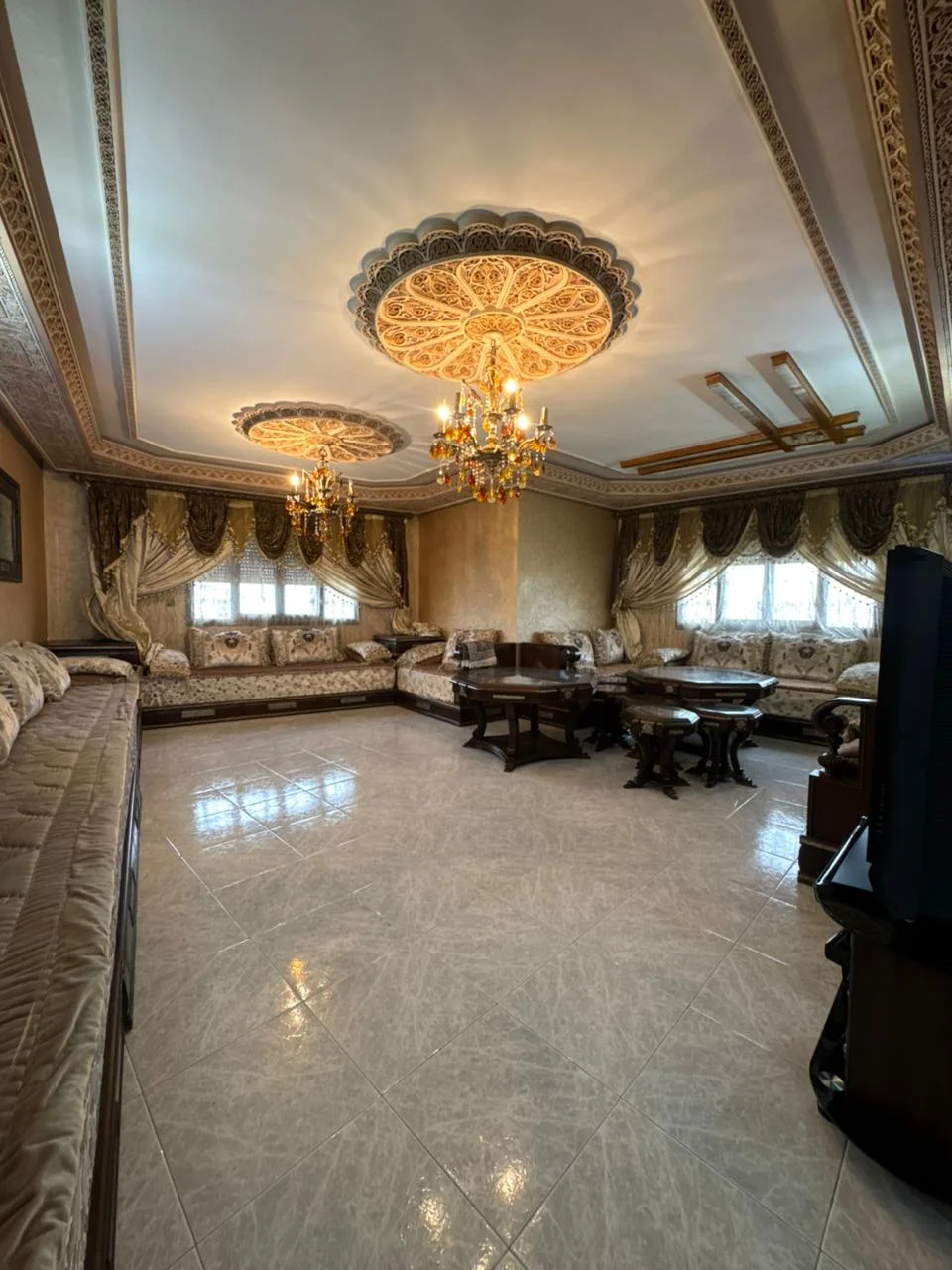
Idealmente situado en una ubicación estratégica a pocos pasos del mar y cerca de todos los servicios y en una residencia tranquila y segura con dos ascensores y una plaza de aparcamiento. Se ofrece la venta de un apartamento con doble acristalamiento y aire acondicionado centralizado con una superficie de 138m² y que consta de salón, dormitorio con balcón, dos dormitorios, cocina equipada con balcón, baño con bañera y aseo. Para recibir otras oportunidades exclusivas, te invitamos a contactarnos directamente. Estamos disponibles para ayudarle en su búsqueda de compras o inversiones, así como en su proyecto de ventas. Para cualquier solicitud de evaluación GRATUITA Y SIN COMPROMISO. Información: venta, ascensor, garaje, terraza, nejma. Referencia: DAR-70433
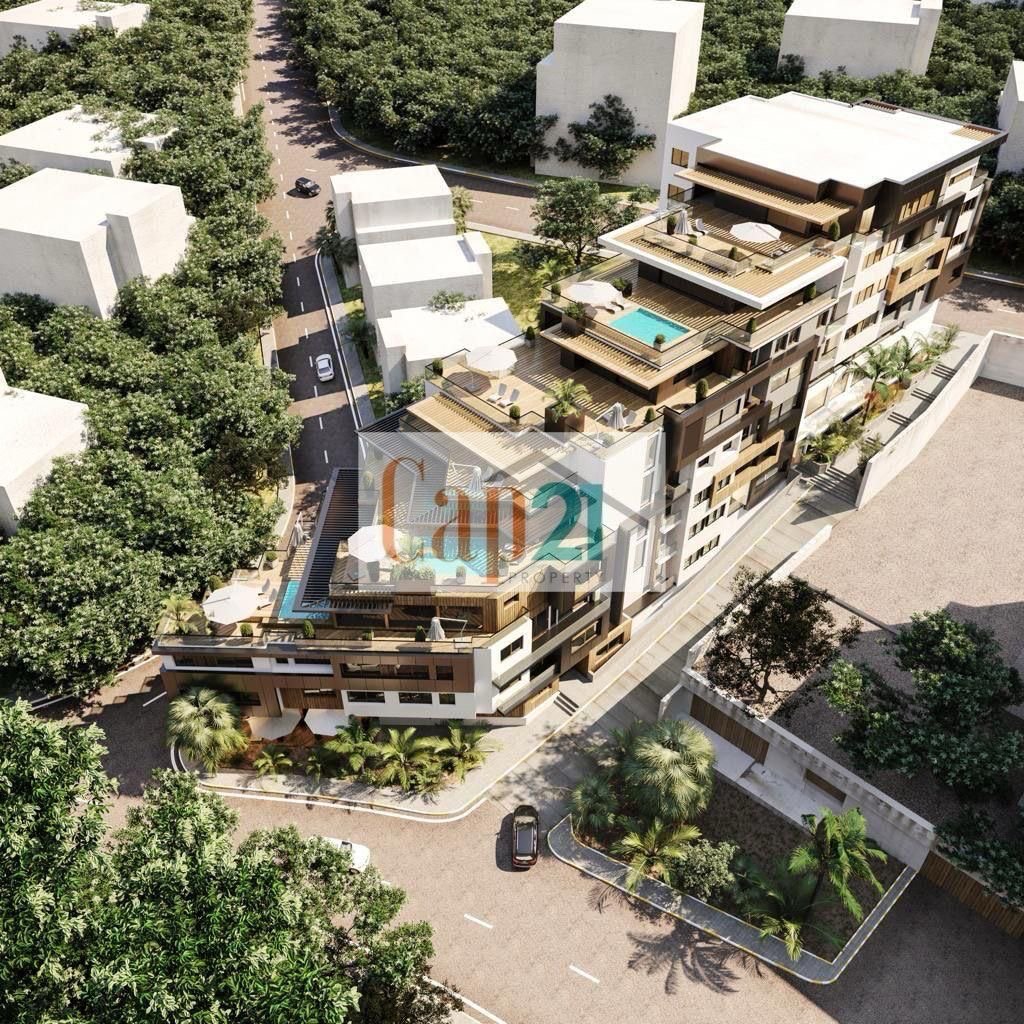
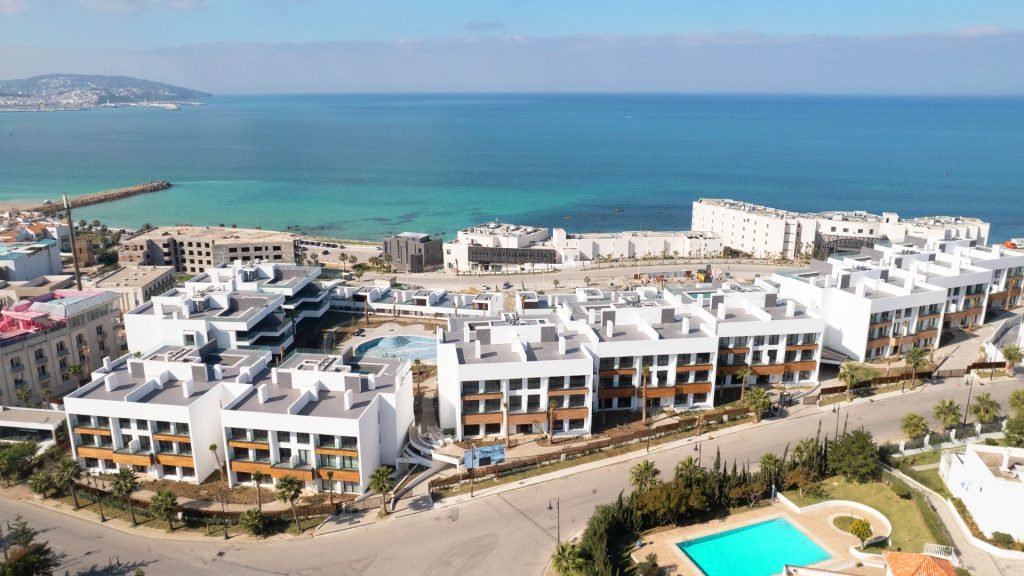
Pinea Hills, un lujoso complejo residencial situado en la tranquila zona turística de Ghandouri, en Tánger, encarna la esencia de la vida refinada. Diseñado por Groupe El Guartit, líder de renombre en el sector inmobiliario de lujo en Tánger y Marruecos, este complejo combina con elegancia sofisticación y comodidad. Compuesto por 10 villas y 10 bloques de apartamentos, cada uno con 6 unidades, Pinea Hills ofrece una amplia gama de servicios, incluyendo una piscina estilo resort con tumbonas sumergidas, una piscina infantil, una piscina de chorros, jardines y un gimnasio. Superficie entre 260 m² y 400 m² Piscina privada en cada apartamento Cocinas totalmente equipadas bulthaup Residencia familiar segura Vistas al mar Espacios verdes Gimnasio Aparcamiento subterráneo Las residencias se distribuyen en tres niveles, con dos apartamentos por planta. Los apartamentos de la planta baja, con una superficie de 260 m2, cuentan con una cocina Bulthaup, un amplio salón, un comedor, tres dormitorios con baños en suite, una terraza y una piscina privada. Los apartamentos de la primera planta, con una superficie de 280 m2, tienen la misma distribución, pero con un dormitorio adicional. Lo más destacado son los dos áticos de 400 m2, que ofrecen una piscina en la azotea, vistas al mar e interiores de lujo. Estratégicamente situado para ofrecer unas vistas impresionantes al mar, Pinea Hills goza de una ubicación ideal a pocos pasos de la playa de Ghandouri, lo que le confiere un entorno prestigioso con fácil acceso al centro de la ciudad de Tánger. Información: venta, ascensor, cocina equipada, garaje, piscina, seguridad, terraza, vista al mar, gama alta, ghandouri. Referencia: DAR-69351
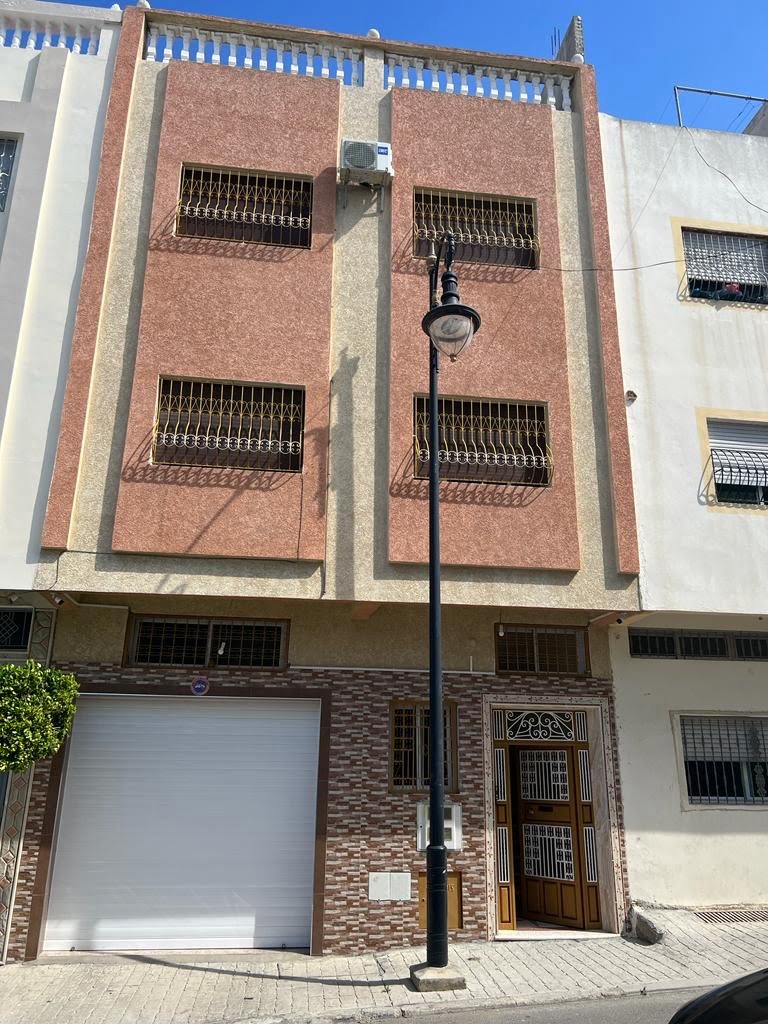
Casa en muy buenas condiciones en venta. Garaje y 2 plantas. La casa está construida sobre 70 m2 de terreno y las plantas superiores construidas con 80 m2. Información: venta, amueblado, cocina equipada, garaje, tanja balia. Referencia: 29944
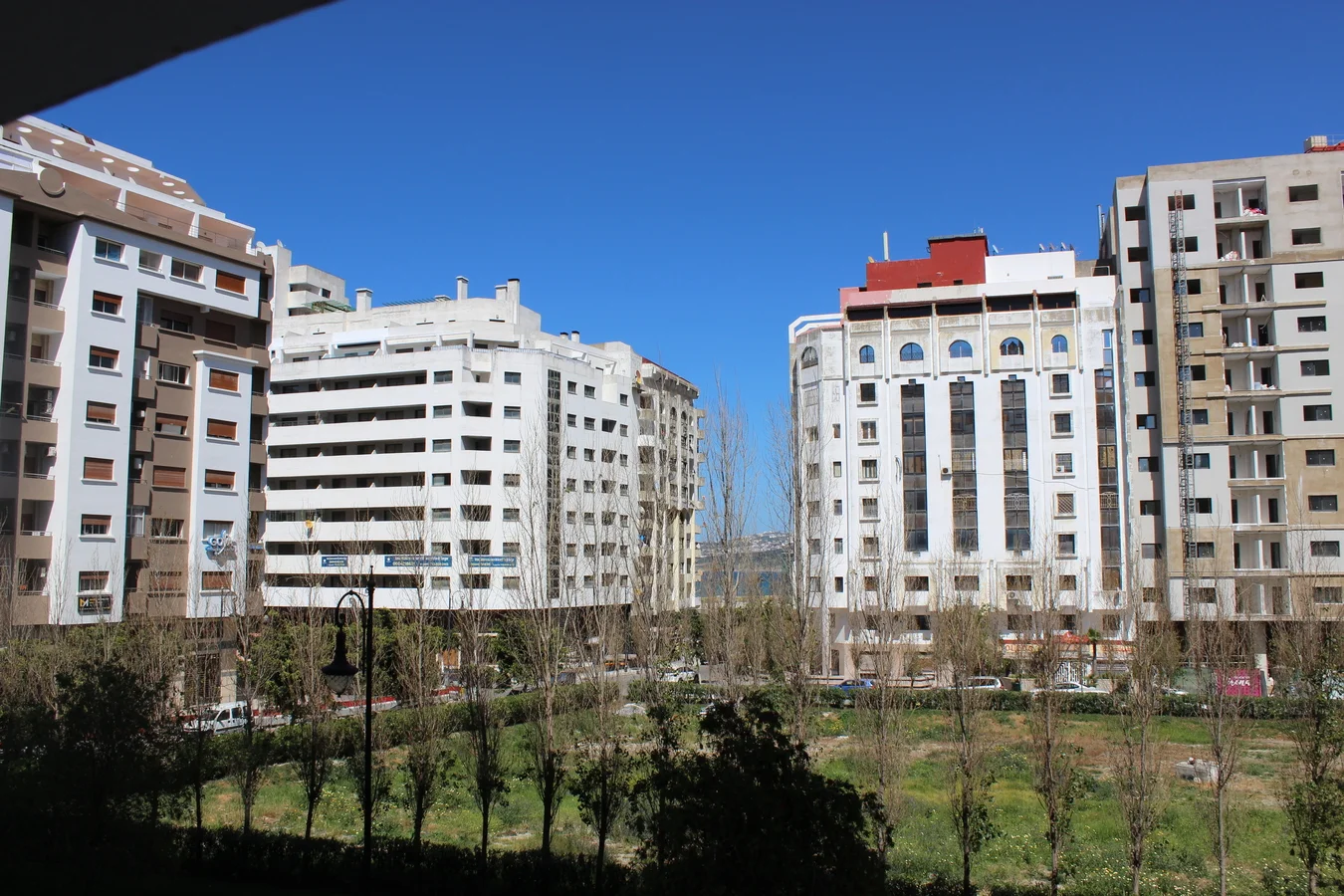
Apartamento excepcional, situado en la 7ª planta con ascensor, en un entorno tranquilo y discreto. Este apartamento combina elegancia, modernidad y calidad de vida, con una superficie de 130 m². Características principales: • Salón: amplio y luminoso, que ofrece un entorno agradable y abierto. • Sala de estar: ofrece un ambiente acogedor para comidas en familia o con amigos. • 3 dormitorios: amplios, ideales, ofrecen un espacio cómodo, tranquilo y bien distribuido, uno de ellos con balcón. • Cocina amueblada: con lavadero. • 2 baños: modernos y funcionales. Para más información o para concertar una visita, ¡póngase en contacto con nosotros hoy mismo! Información: alquiler, amueblado, ascensor, cocina equipada, terraza, place mozart. Referencia: DAR-69933
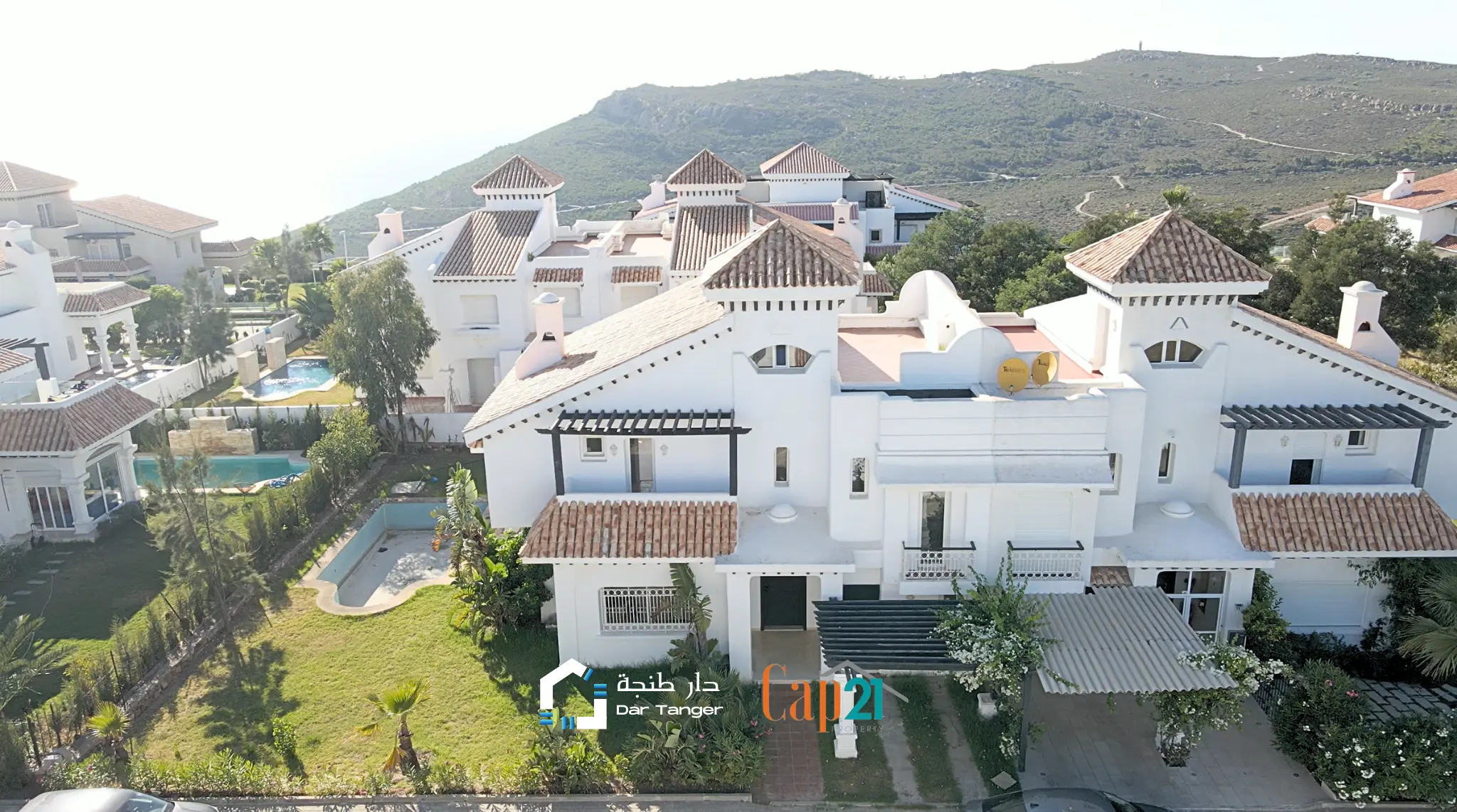
Ubicada en el prestigioso desarrollo de Star Hill en Tánger, esta encantadora villa representa una oportunidad única para aquellos que buscan un hogar lleno de encanto y potencial. La propiedad, que actualmente está siendo renovada, estará pronto disponible tanto para alquiler como para compra, ofreciendo a sus futuros residentes la posibilidad de personalizarla según sus gustos y necesidades. Principales características: Ubicación excepcional: Star Hill es conocido por ser uno de los desarrollos más exclusivos en Tánger, ofreciendo un entorno tranquilo y seguro con impresionantes vistas panorámicas de la ciudad y el mar Mediterráneo. Diseño arquitectónico único: La villa presenta un diseño arquitectónico distintivo que combina elementos tradicionales marroquíes con comodidades modernas. La encantadora fachada y los detalles artísticos en toda la propiedad crean una atmósfera única y acogedora. Espacios interiores espaciosos: Con una distribución amplia, la villa cuenta con amplias salas de estar, luminosos dormitorios y áreas sociales diseñadas para la comodidad y la elegancia. Detalles artesanales, como azulejos intrincados y techos altos, añaden un toque auténtico al entorno. Jardines y terrazas: La propiedad se complementa con exuberantes jardines y terrazas que ofrecen espacios al aire libre perfectos para disfrutar del clima mediterráneo. Estos espacios exteriores son ideales también para eventos sociales, cenas al aire libre o simplemente relajarse mientras se disfrutan de las impresionantes vistas. Renovación de alta calidad: Aunque actualmente se encuentra en proceso de renovación, se están utilizando materiales de alta calidad y técnicas modernas para asegurar que la villa cumpla con los estándares contemporáneos de lujo. Los nuevos propietarios tendrán la oportunidad de colaborar en el proceso y personalizar ciertos aspectos de la propiedad. Disponibilidad para alquiler y compra: La villa estará disponible tanto para alquiler como para compra, brindando flexibilidad a aquellos que deseen experimentar la vida en Star Hill de forma temporal o permanente. Cercanía a servicios y comodidades: El desarrollo de Star Hill tiene acceso conveniente a servicios locales, tiendas de lujo, restaurantes gourmet y actividades culturales. Además, la proximidad al centro de Tánger garantiza una conexión fácil a la vida urbana y todas sus comodidades. Esta encantadora villa en Star Hill no es solo una propiedad, sino una oportunidad para sumergirse en el encanto de Tánger y disfrutar de un estilo de vida exclusivo en una de las ubicaciones más buscadas de la ciudad. Con su combinación única de elegancia tradicional y comodidades modernas, esta propiedad promete ser un hogar excepcional para aquellos que buscan una experiencia de vida inigualable en Tánger. Información: vacacional, piscina, seguridad, vista al mar, cap spartel. Referencia: 20766
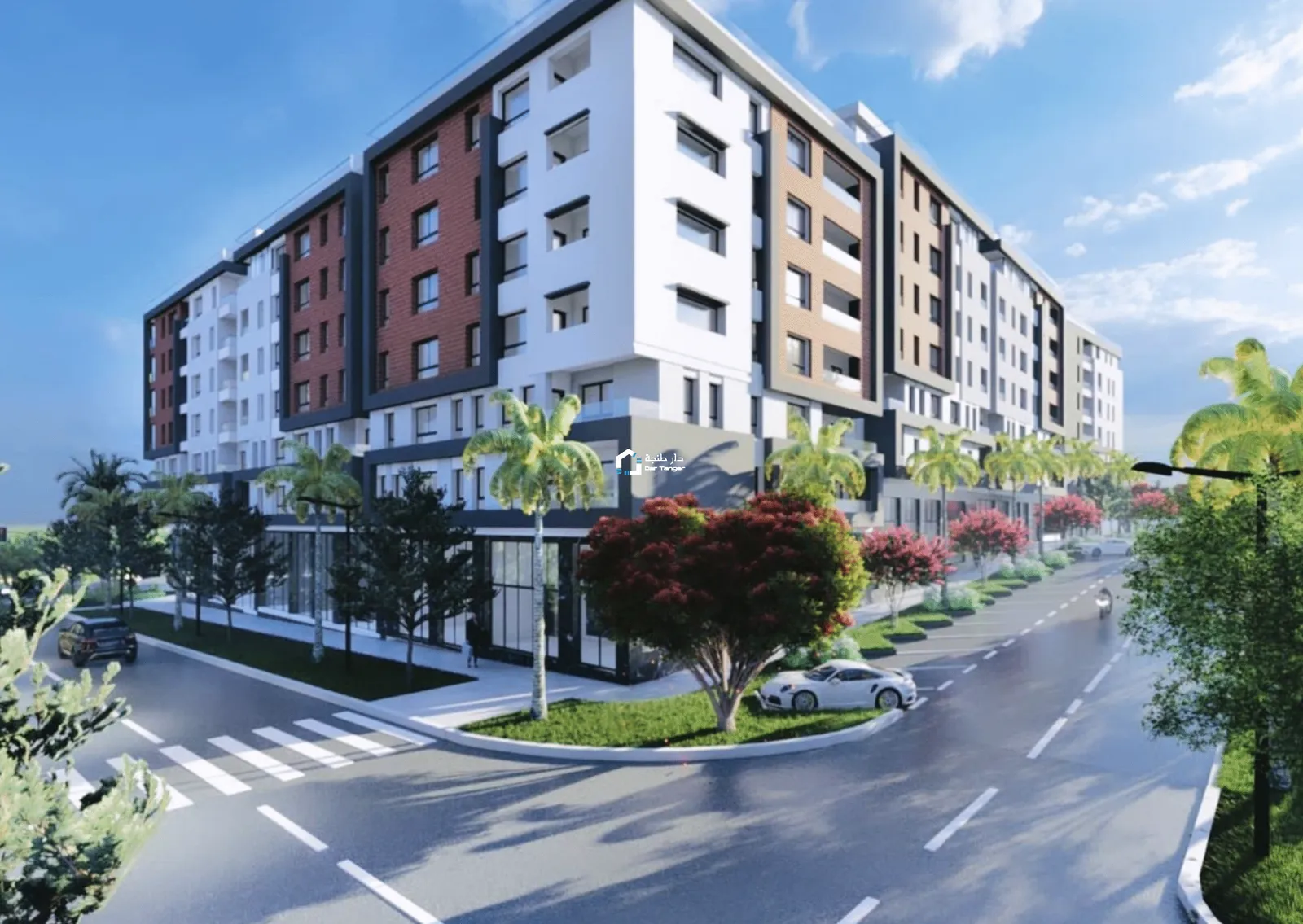
Se venden pisos nuevos y en construcción en Tánger con vistas al estadio de Fútbol Ibn Batouta de 69 a 104 m2. Estos pisos están situados a 2 minutos del estadio Ibn Batouta donde se van a jugar partidos de La Copa de Africa y del Mundial de Fútbol en 2030. Los pisos cuentan con piscina comunitaria, ascensor, vistas al estadio y las calidades son de alta gama. Para más información u organizar una visita envíanos un mensaje +212709928118 Información: venta, ascensor, cocina equipada, piscina, obra nueva, stade ibn batouta. Referencia: DAR-69335
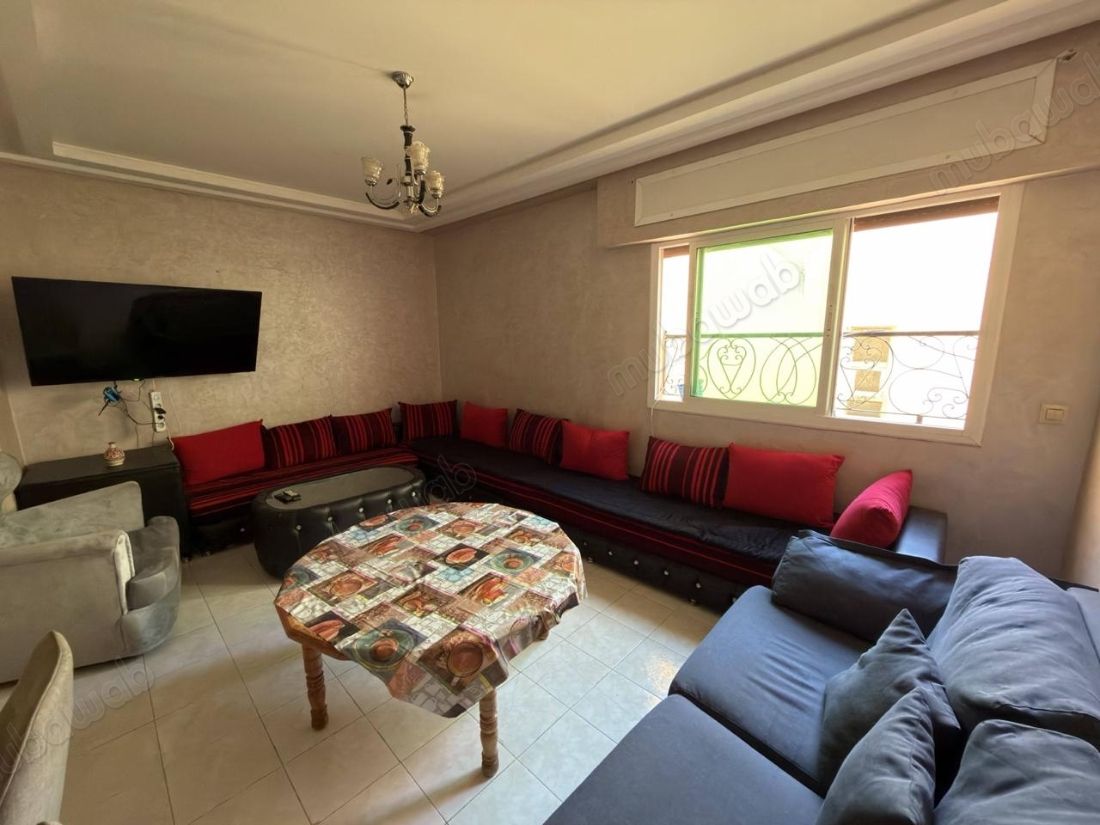
Este encantador apartamento se encuentra en el corazón de Tánger, concretamente en la prestigiosa Place Mozart, uno de los barrios más solicitados de la ciudad. Con una antigüedad de entre 20 y 30 años, el inmueble está bien conservado y habitable. Situado en el octavo piso de un edificio bien cuidado con ascensor y servicio de conserje, la propiedad abarca 82 m² de una distribución práctica y funcional.La viviendaEl apartamento cuenta con un espacioso salón europeo y un acogedor salón marroquí, proporcionando un ambiente cómodo y sociable. Ofrece dos amplias habitaciones que destacan por su luminosidad y tamaño generoso. La cocina es totalmente funcional, equipada con horno, microondas, refrigerador y lavadora, y cuenta con un área de lavandería integrada. El baño es amplio, complementando la comodidad del hogar. El piso se entrega amueblado e incluye trastero, un valor añadido poco frecuente en la zona.La zonaEl suelo es de baldosa, añadiendo un toque fresco y fácil de mantener en todo el espacio. La orientación sur proporciona una excelente iluminación natural a lo largo del día. El distrito de Tanger Medina ofrece todas las comodidades cercanas, como tiendas, cafés y restaurantes, lo que facilita el acceso a pie o en transporte público. Vivir junto a Plaza Mozart significa disfrutar de una dirección privilegiada en pleno centro de Tánger.Ascensor y servicio de conserje en el edificioTrastero incluidoPiso amueblado y listo para habitarSalón europeo y salón marroquíCocina equipada con refrigerador, horno, lavadora y microondasAntena parabólicaOrientación sur con excelente luz naturalSuelo de baldosa, fácil de mantenerDatoDetalleTipo de propiedadPisoZonaPlace Mozart, TángerSuperficie82 m²Habitaciones2Baños1Precio1.150.000 DHEstadoBuen estado / habitableAntigüedad20-30 añosPlanta8º con ascensorOrientaciónSurTipo de sueloBaldosaEspacioso salón con luz naturalVivienda amueblada y en buen estadoEste apartamento es una excelente opción tanto para quienes buscan una residencia principal en una ubicación privilegiada como para inversores interesados en el mercado inmobiliario de Tánger. Contacta ahora para más información o para programar una visita a este piso en Plaza Mozart.
Se ofrece un apartamento excepcional situado en el sexto piso, con una superficie de 110m². Idealmente ubicado en el distrito Administrativo, ofreciendo comodidad y elegancia. Este moderno y luminoso espacio habitable incluye: Stai: espacioso y luminoso crea un ambiente cálido. Amplio salón: Ideal para relajarse o entretener a amigos y familiares. 3 cómodas habitaciones: Para garantizar un confort óptimo para noches tranquilas 1 baño moderno: Combinando elegancia y funcionalidad. Baño de servicio Cocina totalmente equipada con balcón: Perfecto para los amantes de la cocina. Plaza de aparcamiento titulada ¡Contáctanos ahora para concertar una visita! Información: venta, ascensor, garaje, seguridad, terraza, centro. Referencia: DAR-70680